SEO settings and permissions
Every field on the SEO Defaults panel, the SEO section of a page's form and the redirect form, with their limits and defaults, and the permissions that control each screen.
- Applies to
- SEO 1.1 and later
- Who can do this
- Platform owner, Administrator
- Where
- SEO › SEO Settings
On this page
SEO Defaults
SEO › SEO Settings opens the SEO Defaults panel in the Settings hub, under SEO. Select Save changes to save it. See How the settings hub works.
General
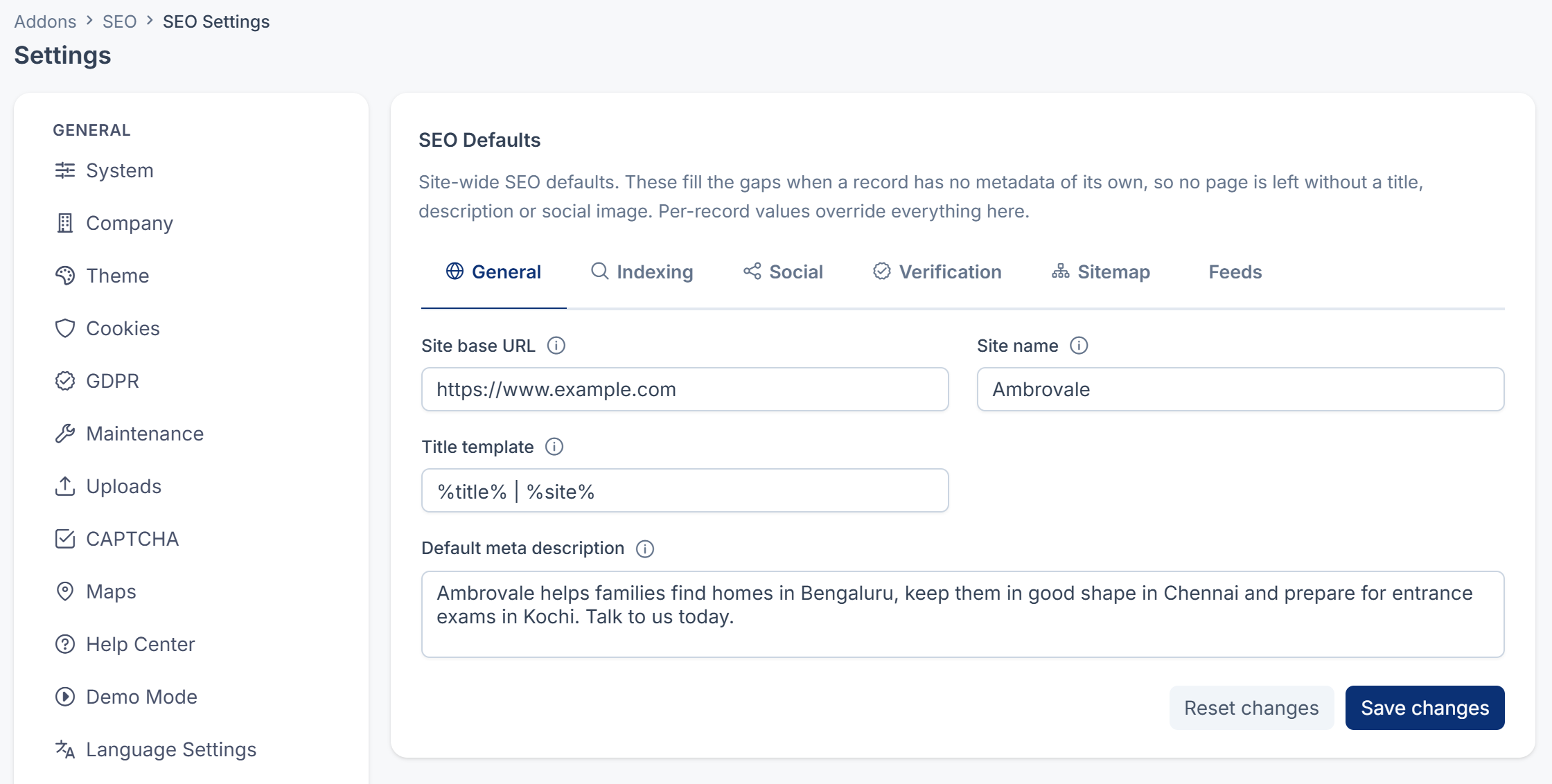
| Field | What it does | Rules |
|---|---|---|
| Site base URL | Your public website's address, for example https://www.example.com. Used for property addresses in the sitemap and in your site's structured data. Blog articles use the Public site URL in Blog's own settings instead. | A full address. Up to 255 characters. |
| Site name | Used in the title template and in your site's structured data. | Up to 120 characters |
| Title template | How a page's search title is built: %title% is the page's title, %site% the site name. For example %title% - %site%. | Up to 120 characters. Used only when Site name is filled in. |
| Default meta description | The search description for pages with none of their own. | Up to 500 characters. Aim for 150 to 160. |
Indexing

| Field | Choices | What it does |
|---|---|---|
| Default indexing | Index, No index | Whether search engines may index pages that don't set their own rule. A page saved with its SEO section always has its own rule. |
| Default link following | Follow, No follow | Whether search engines may follow links on pages that don't set their own rule. |
Social
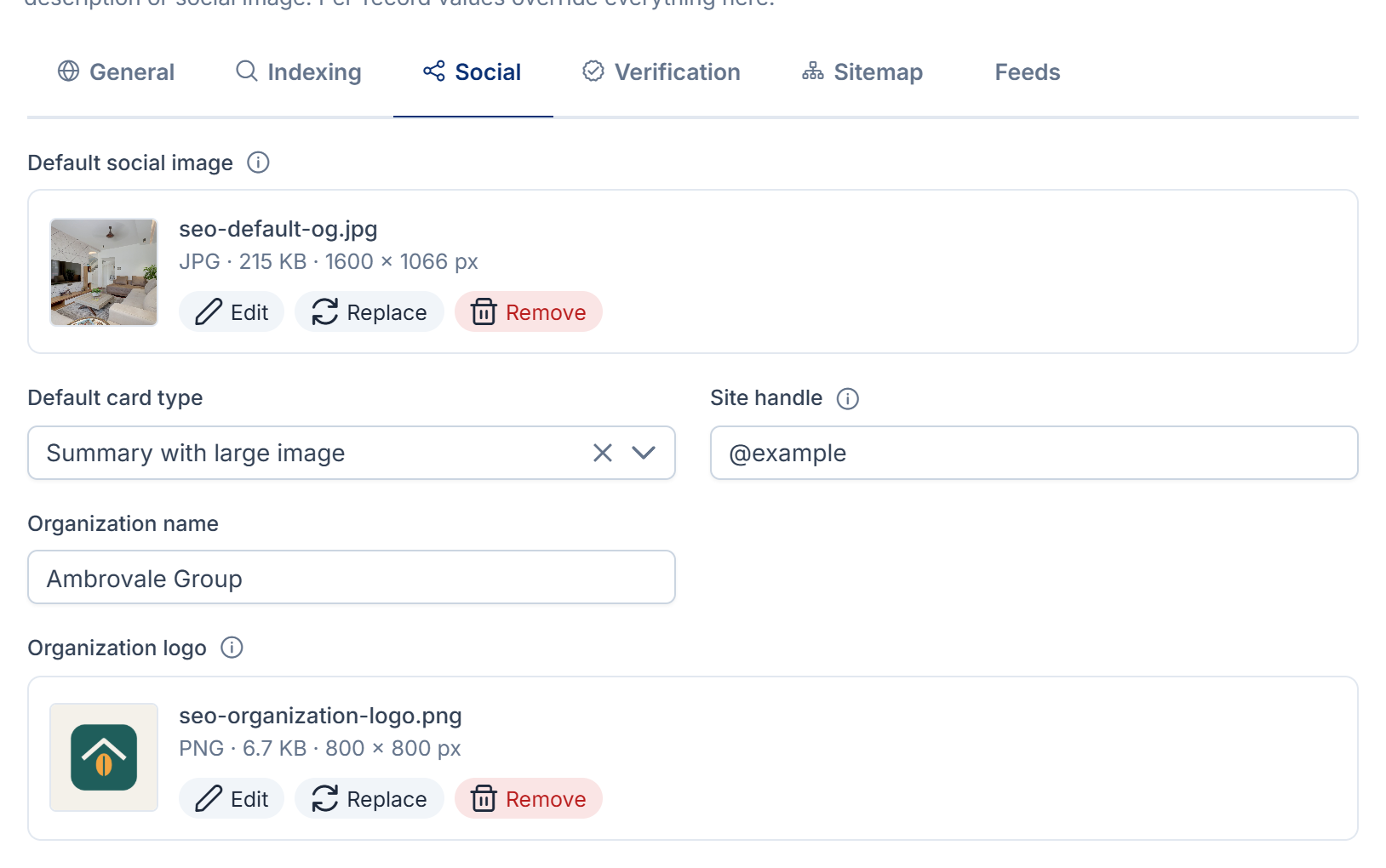
| Field | What it does | Notes |
|---|---|---|
| Default social image | The picture shown when a page with no image of its own is shared. | 1200 x 630 pixels works best. |
| Default card type | Summary or Summary with large image, for pages shared on X. | Summary with large image when empty |
| Site handle | Your site's X handle, with the @. | Up to 60 characters |
| Organization name | Your business's name, published as structured data. | Up to 150 characters. Without it, no organization data is published. |
| Organization logo | Your business's logo, published as structured data. | SEO 1.2.0 publishes this logo, and the default social image in the site-wide data, as the stored file's path instead of a full address, which search engines can't use. |
Verification

| Field | What it does | Rules |
|---|---|---|
| Google Search Console | Your Google verification code. | The code only, not the whole meta tag. Up to 191 characters. |
| Bing Webmaster Tools | Your Bing verification code. | The same |
Sitemap
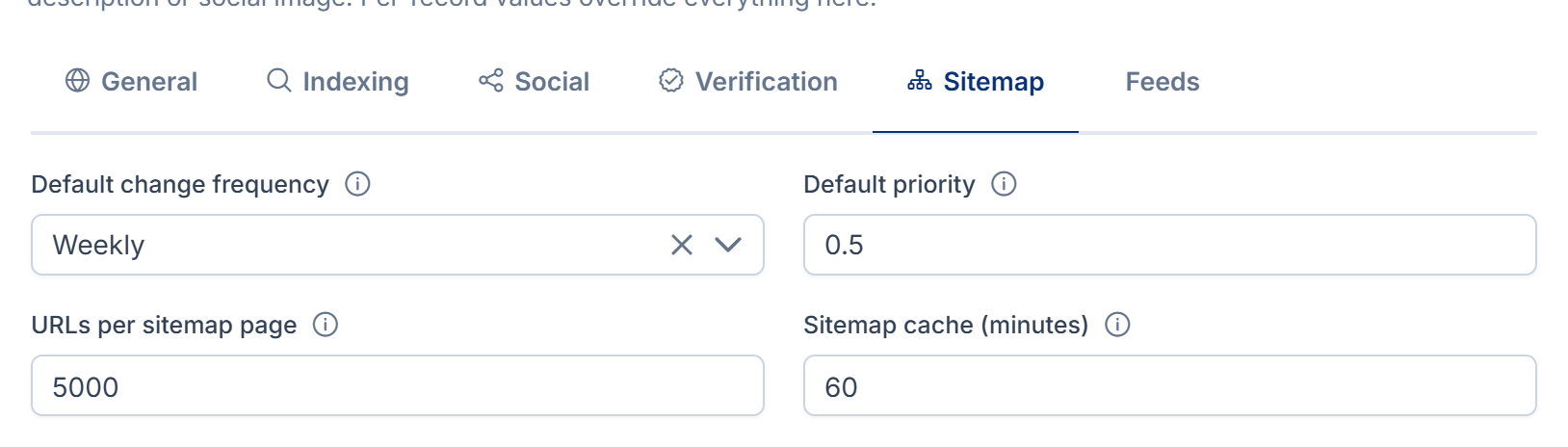
| Field | What it does | Default |
|---|---|---|
| Default change frequency | How often a page is expected to change: Always, Hourly, Daily, Weekly, Monthly, Yearly or Never. Search engines treat it as a hint. | Blog and Property CRM send their own value, Weekly, so this isn't used for their pages. |
| Default priority | How important a page is within your site, from 0.0 to 1.0. It doesn't affect ranking against other sites. | Blog sends 0.7, and Property CRM 0.7, or 0.9 for a featured property, so this isn't used for their pages. |
| URLs per sitemap page | Larger sitemap sections are split into pages of this size. | 5,000. From 1 to 50,000. |
| Sitemap cache (minutes) | How long a built sitemap is reused before it's built again. 0 turns the cache off. | 60. Up to 10,080 (a week). |
Feeds
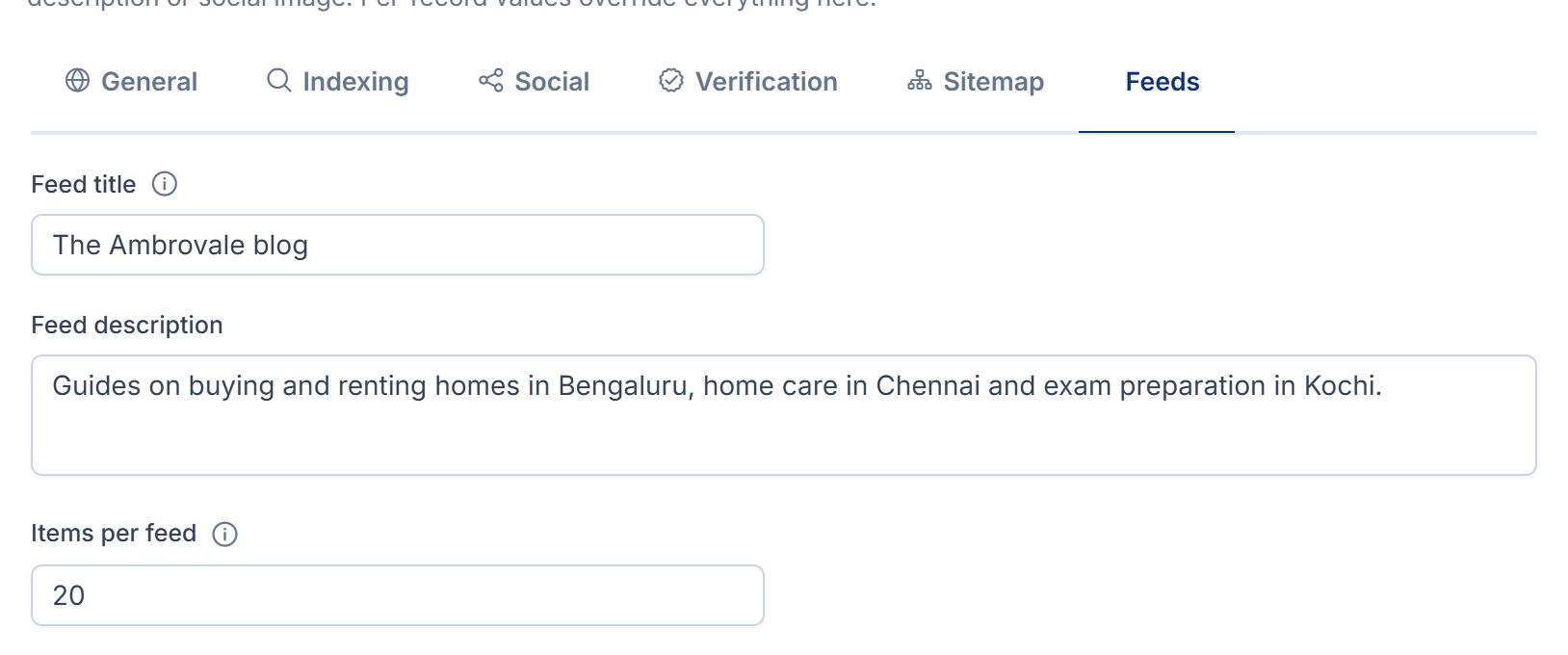
| Field | What it does | Default |
|---|---|---|
| Feed title | The feed's name in feed readers. | The site name. Blog names its feed Blog Articles, with the description "The latest articles.", so neither this nor Feed description is used for the Blog feed. |
| Feed description | The feed's description. | The default meta description |
| Items per feed | How many recent items each feed carries. | 20. From 1 to 200. |
The SEO section on a page
These fields appear on a Blog article's form and a Property CRM property's form for people with Edit SEO metadata. See Set a page's search and share details.
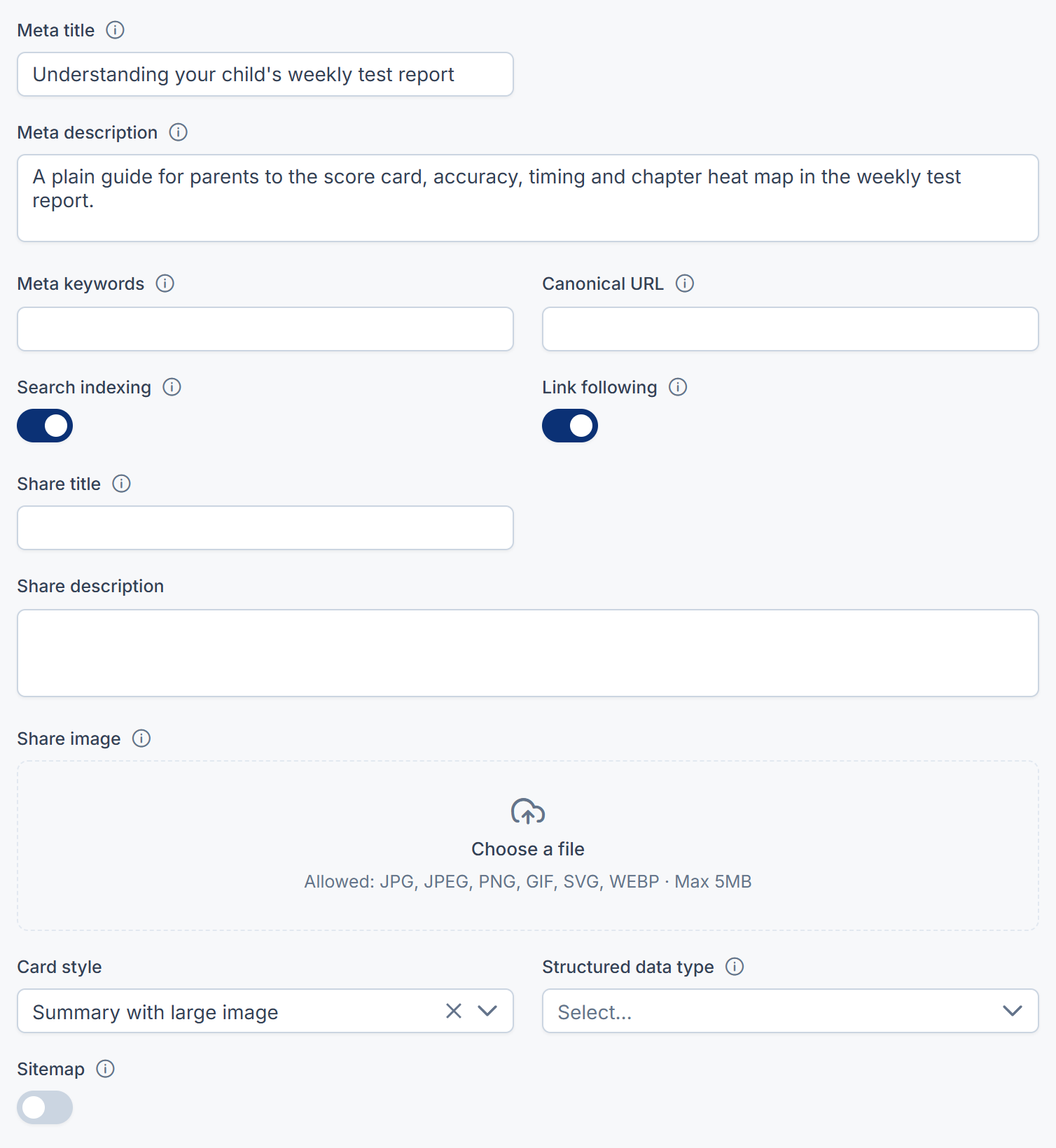
| Field | What it does | Rules and default |
|---|---|---|
| Meta title | The headline in search results. Leave it empty to use the page's own title. | Up to 255 characters. About 60 shows in full. |
| Meta description | The summary under the title in search results. | Up to 500 characters. About 155 reads best. |
| Meta keywords | Keywords. Most search engines ignore them. | Up to 500 characters |
| Canonical URL | The preferred address, when the same content is reachable at more than one. Leave it empty to use the page's own address. | A full address. Up to 500 characters. |
| Search indexing | Indexed, or Not indexed to keep the page out of search results and the sitemap. | Indexed |
| Link following | Followed, or Not followed to stop search engines following the page's links. | Followed |
| Share title | The title when the page is shared. | Up to 255 characters. Falls back to Meta title. |
| Share description | The description when the page is shared. | Up to 500 characters. Falls back to Meta description. |
| Share image | The picture when the page is shared. | 1200 x 630 pixels works best. Falls back to Default social image. |
| Card style | Summary or Summary with large image, on X. | Summary with large image |
| Structured data type | What the page is: Article, Blog post, Product, Property listing, FAQ page or Local business. | Article when empty |
| Sitemap | Included, or Excluded to leave the page out of the sitemap. The page can still be visited. | Included |
The redirect form
SEO › Redirects. See Add a redirect.
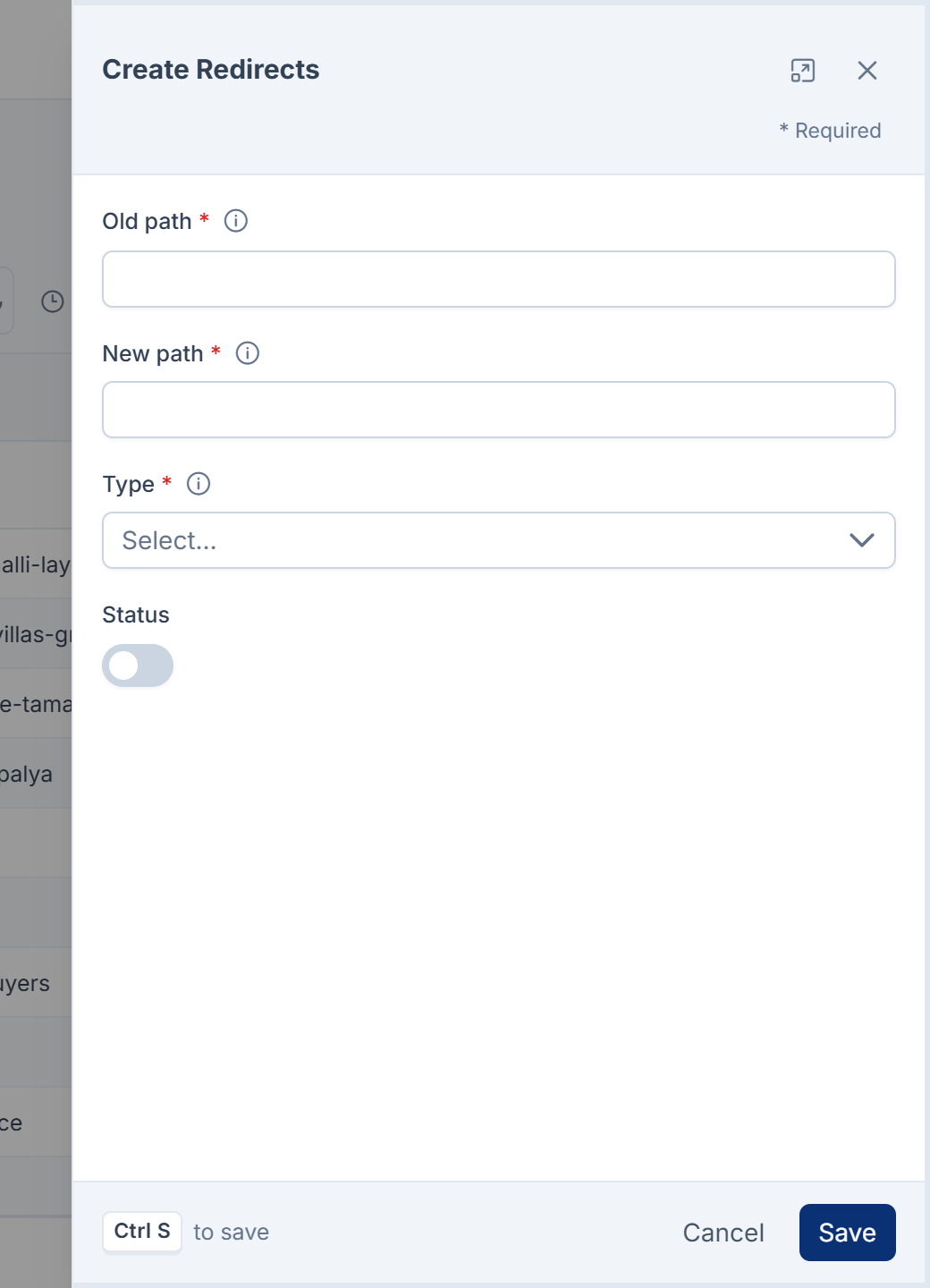
| Field | What it does | Rules |
|---|---|---|
| Old path | The address visitors still arrive at, for example /blog/old-title. | Required. Up to 500 characters. Only one live redirect per path. |
| New path | Where they should end up. | Required. Must differ from Old path and mustn't lead back to it. |
| Type | Permanent passes search ranking to the new address. Temporary is for a move you'll undo. | Required |
| Status | Active or Inactive. Only active redirects are published. |
Both paths are tidied when you save: the domain, query string and any trailing slash are removed, and a leading / is added. The list also shows Added by (Manually or Address change), Uses, Last used and the date it was created.
Permissions
In the role editor, the redirect and settings permissions are under SEO Configuration, and the page permissions under SEO.
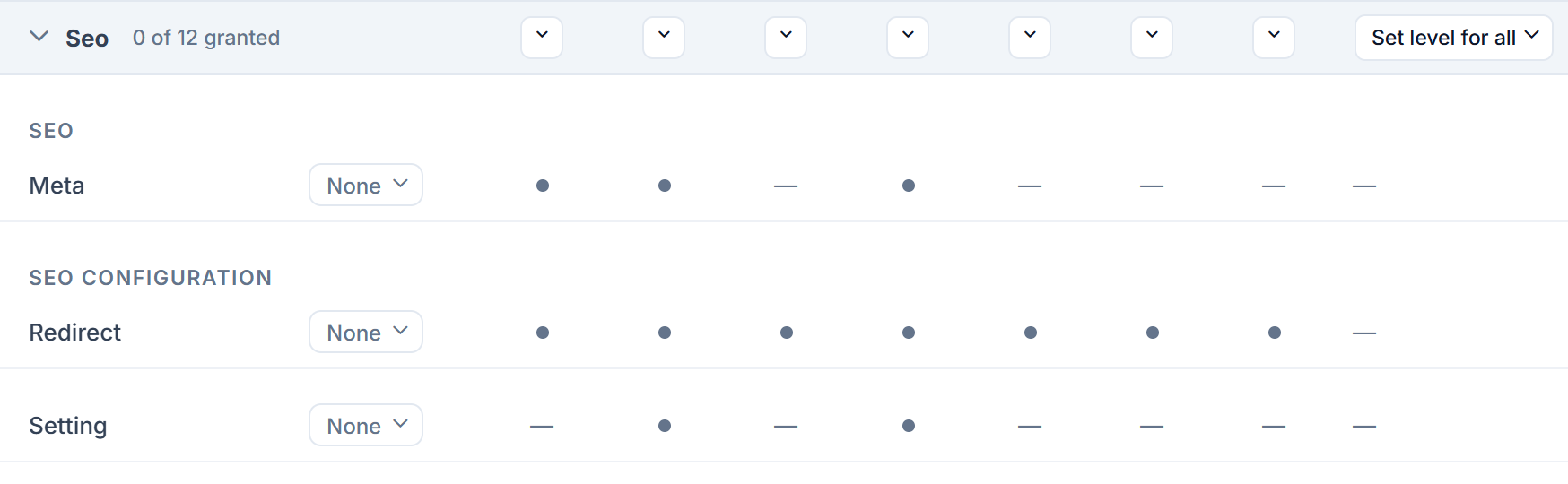
| Permission | Label | Allows |
|---|---|---|
feature. | Edit SEO metadata | Seeing and saving the SEO section on Blog and Property CRM forms. |
feature. | List SEO metadata | Nothing: no screen uses it in 1.2.0. |
feature. | View SEO metadata | Nothing: no screen uses it in 1.2.0. |
feature. | List Redirect | Opening SEO › Redirects. |
feature. | View Redirect | Opening one redirect. |
feature. | Create Redirect | Adding redirects. |
feature. | Edit Redirect | Changing redirects. |
feature. | Delete Redirect | Retiring redirects to the trash. |
feature. | Restore Redirect | Bringing retired redirects back. |
feature. | Remove Redirect | Deleting retired redirects forever. |
feature. | View Setting | Opening SEO Defaults, read-only. |
feature. | Edit Setting | Changing SEO Defaults. |
To give them, see Give someone a role.
Thanks. That helps us decide what to write next.
Thanks for telling us what was missing.
You already answered for this article today. Thanks.
We got a lot of answers from your network just now. Try again in a few minutes.
We couldn't send that. Check your connection and try again.
Links in this article
Printed from help.bsscn.com. The online article may have changed since.