A page you hid still shows in search results or your sitemap
You set a page or a whole staging site to stay out of search, but it's still in your sitemap or in search results. See what each setting actually covers, and how to take the page out.
- Applies to
- SEO 1.1 and later
- Who can do this
- Administrator, Platform owner
- Permission
feature.seo. meta.edit - Where
- The SEO section of a Blog article or a Property CRM property
On this page
Symptom
One of these:
- A blog article set to Not indexed, or with Sitemap set to Excluded, is still in your sitemap.
- A staging site with Default indexing set to No index still shows up in search results.
- Articles in a category you made Private or Inactive are still on your website and in your sitemap.
- A page you took down still shows in search results.
Check these, in order
1. It's a blog article
Blog articles stay in the sitemap whatever their SEO section says: Not indexed and Excluded don't take them out. Not indexed still reaches your website, in the article's search details, so a website that uses them still tells search engines not to index the page. Property CRM properties do leave the sitemap.
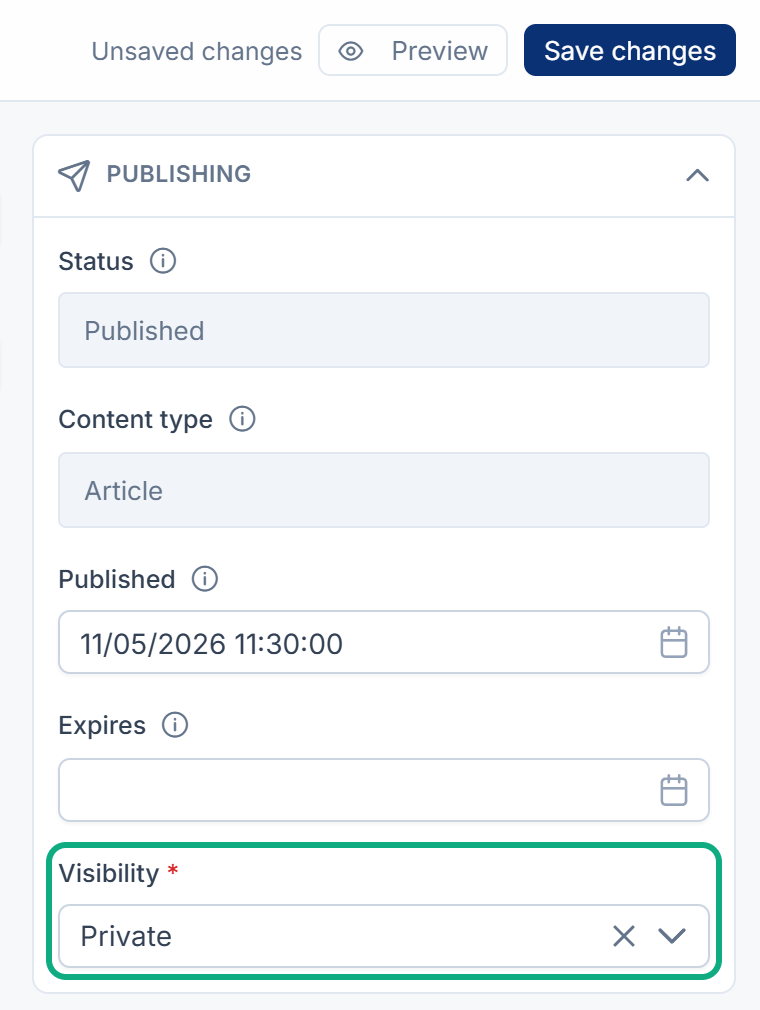
Fix: To take an article out of the sitemap, take it off your website: select Unpublish, or set its Visibility to Private and save. See Set a page's search and share details.
2. Default indexing doesn't cover pages with their own SEO details
Default indexing on the Indexing tab of SEO › SEO Settings only covers pages that have never been saved with SEO details. A page saved with its SEO section keeps its own Search indexing, which starts at Indexed. So switching a staging site to No index leaves most of its pages indexed.
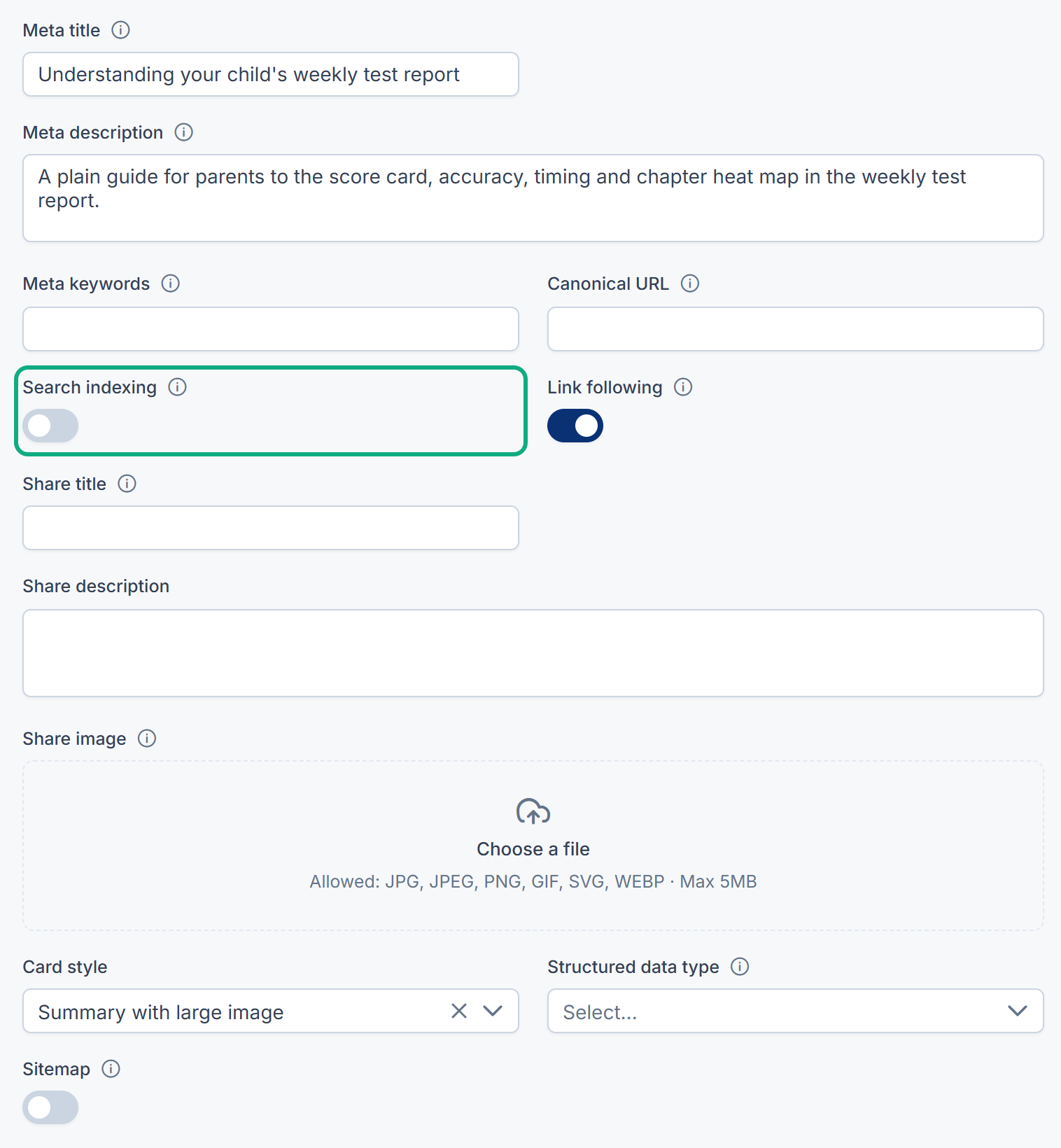
Fix: Set Search indexing to Not indexed on each page that must stay out. For a staging site, it's safer to block search engines on the staging website itself, for example behind a password. Ask its developers.
3. Hiding a category doesn't hide its articles
A category set to Private, or with Status set to Inactive, doesn't take its published articles off your website or out of your sitemap. See Blog settings and permissions.
Fix: Change each article: Unpublish it, or set its Visibility to Private.
4. Search engines remember old pages
Search engines keep showing a page until they visit it again and see it's gone or marked noindex. That can take weeks.
Fix: Ask for the page's removal in Google Search Console, and use the matching tool in Bing Webmaster Tools.
5. Your sitemap or website hasn't caught up
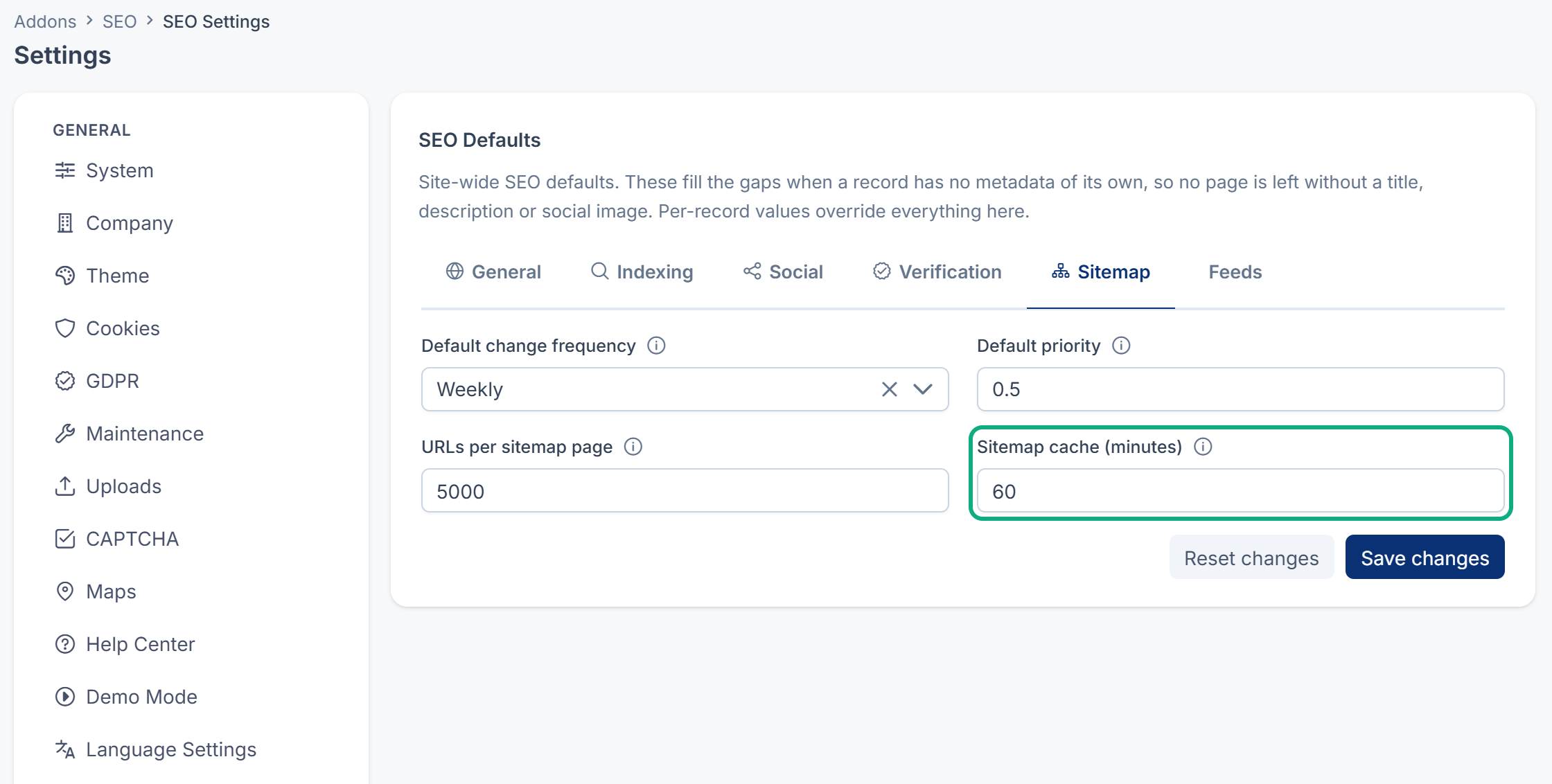
Your sitemap is rebuilt when Sitemap cache (minutes) runs out, and your website may keep its own copy of pages and the sitemap. Fix: wait, then check again. See How your sitemap and feeds are built.
Still not working?
Raise a ticket from Support Center in your Laramin app. Include this page's link, the page's address, and how you hid it.
Thanks. That helps us decide what to write next.
Thanks for telling us what was missing.
You already answered for this article today. Thanks.
We got a lot of answers from your network just now. Try again in a few minutes.
We couldn't send that. Check your connection and try again.
Links in this article
Printed from help.bsscn.com. The online article may have changed since.