Correct, credit or void an invoice
Why an issued invoice is never edited, and when to void it, credit it or refund the payment instead, with what each one changes on the invoice, the ledger and the customer's money.
- Applies to
- Billing 2.0 and later
- Who can do this
- Administrator, Team member
On this page
In short
An issued invoice has a number from your legal series and has been sent, so Billing never edits or deletes it. To cancel or reduce it, you add a new record that points back to it: a void if it should never have existed, a credit note if you're giving something back. Moving the money itself is a separate step: a refund of the payment.
How it works
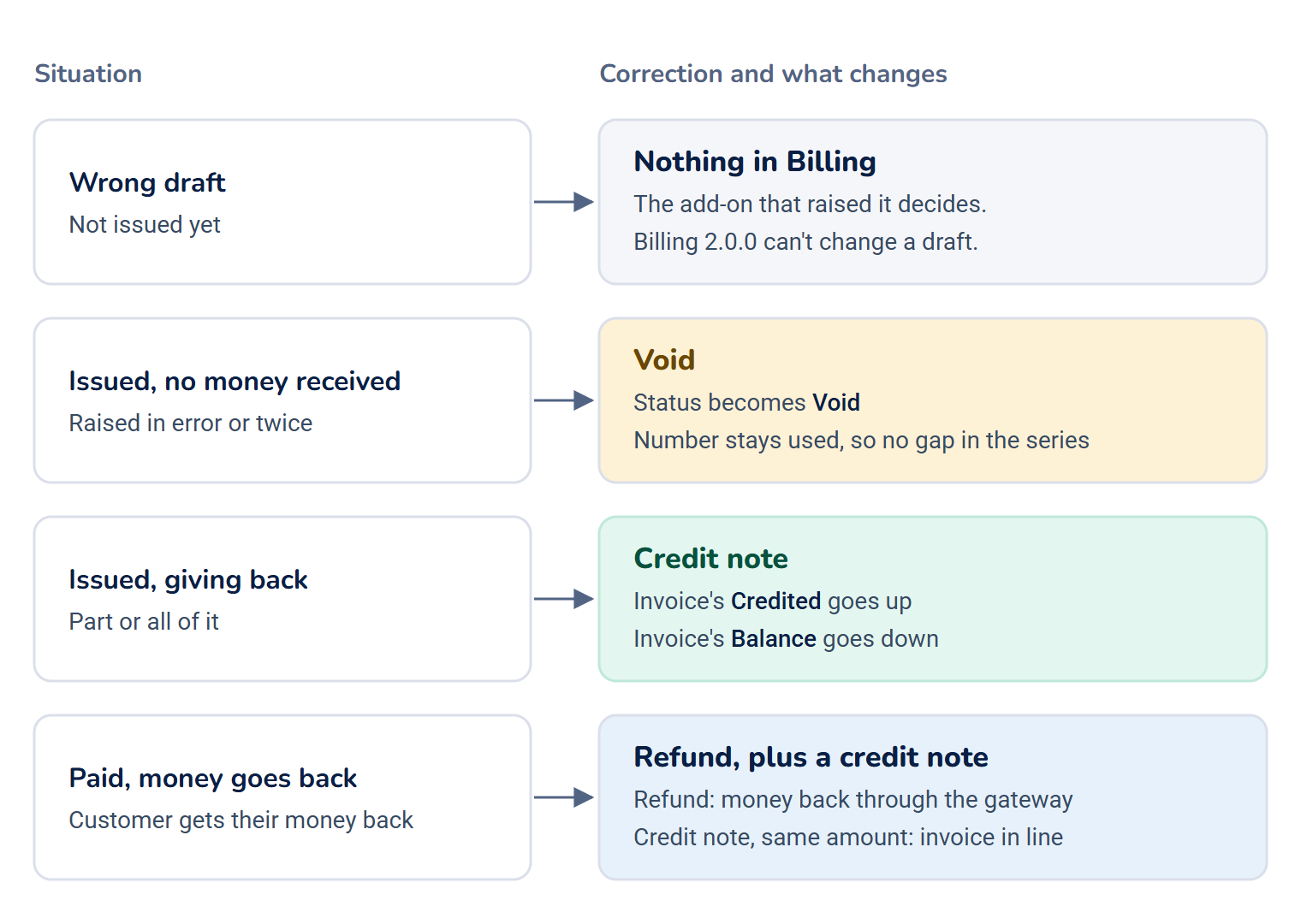
Choose the right correction
| Situation | Use | Changes |
|---|---|---|
| The invoice is still a draft and it's wrong. | Nothing in Billing. The add-on that raised it decides. | Billing 2.0.0 can't change or delete a draft on screen. The invoice's Edit form saves without changing anything. |
| It's issued, no money has arrived, and it was raised in error or twice. | A void | The status becomes Void. Its number stays used, so your series has no gap. The ledger gets a matching negative entry. |
| It's issued and you're giving back part or all of it. | A credit note | A credit note for the amount. The invoice's Credited goes up and its Balance goes down. |
| The customer paid and should get their money back. | A refund, and a credit note for the same amount | The refund returns the money through the gateway. The credit note brings the invoice in line. |
Voids
A void says the invoice was never a real demand. It needs a reason, and it's refused once any money has arrived against the invoice, or when the invoice is already closed (Paid or Void). For a paid invoice, issue a credit note instead.
Credit notes
A credit note reverses part or all of one issued invoice:
- It can't be for more than is left to credit: the invoice total minus what's already been credited. Several partial credit notes can never add up to more than the invoice.
- It's numbered in its own series, such as
CN-2026-000001, separate from invoices. - If it clears the balance, the invoice is closed: Paid if money had arrived, otherwise credited in full.
- It records where the money is meant to go, in Refund To: Payment Gateway or Account Credit.
In Billing 2.0.0, Refund To is only recorded. A credit note doesn't refund the payment or add credit to the account by itself. Refund the payment in Billing › Payments as well.
Refunds
A refund sends money back through the gateway and merchant account that took it. See Refund a payment.
[Confirm: a refund doesn't change the invoice. After a full refund the invoice still shows Paid and the ledger still shows the payment, until a credit note is issued for it.]
Account credit
A customer can hold credit on their billing account with one business, for example a prepayment, an overpayment they don't want back, or goodwill, and spend it on that business's invoices. It never moves to another business. Credit spent on an invoice shows under Credited, not Paid, because no money arrived through a gateway.
Who can do this
Voids, credit notes and account credit have no buttons in Billing. An add-on, or your own integration, does them through Billing, so they get the same numbering and ledger entries as everything else.
None of the add-ons that work with Billing 2.0.0 (CRM, Monetization, Payment Gateway, Product Catalog) issues voids, credit notes or account credit, so the Credit Notes list stays empty unless another add-on or an integration does.
Next steps
Thanks. That helps us decide what to write next.
Thanks for telling us what was missing.
You already answered for this article today. Thanks.
We got a lot of answers from your network just now. Try again in a few minutes.
We couldn't send that. Check your connection and try again.
Links in this article
Printed from help.bsscn.com. The online article may have changed since.