Add a client
Record a person or company your business deals with, the roles they play, such as Buyer or Seller, and how they found you.
Why this step
Every property needs an owner, and only a Client: A person or company your business deals with. Each has a client number, such as CLT-000042. with the Seller role can be one. Add them first and the property form offers them.
Have ready: the owner's mobile number.
Today you only need:
- Applies to
- Property CRM 5.0 and later
- Who can do this
- Administrator, Team member
- Permission
feature.pcrm. client. create - Where
- Property CRM › Clients
Before you start
- You need
feature.. Property CRM Admin, Manager and Agent have it.pcrm. client. create - Work in your business's workspace, not All Workspaces. Otherwise there's no New Client button. See Switch workspace.
- Have the client's mobile number. It's required, because Laramin uses it to recognize someone it already knows.
Tip: You often don't need this screen. Converting an inquiry makes the person a client for you, and you can create an owner or a buyer from inside the property and requirement forms.
Steps
-
In the Property CRM sidebar, open Clients. In the Platform Administration sidebar, it's Property CRM › Clients.
-
Select New Client.
-
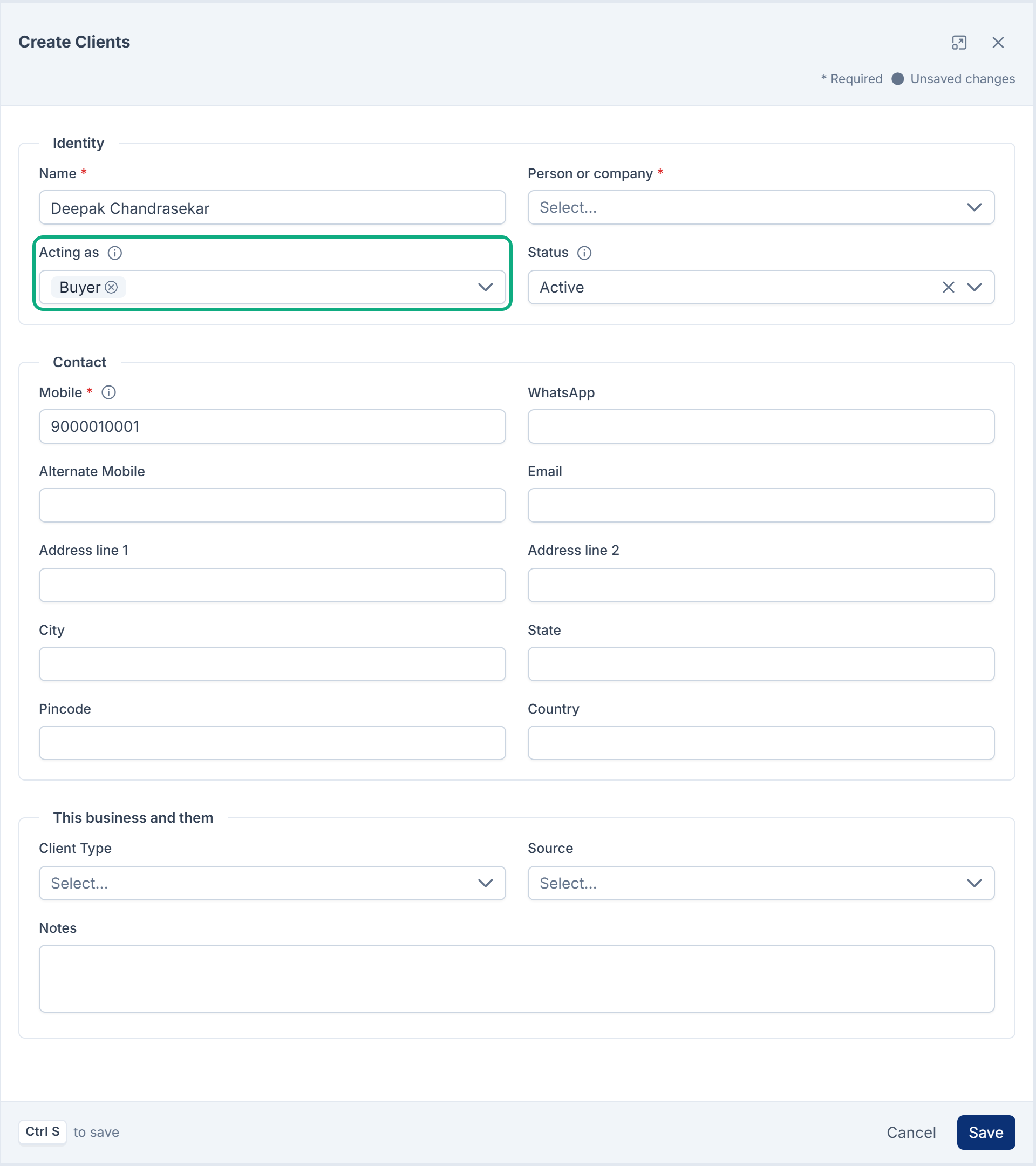
Under Identity, enter the Name.
-
Choose Person or company: Person or Organization. You can't change this later.
-
In Acting as, choose every role the client plays, for example Buyer and Seller. One client can be both, on different deals, under one client number.
-
Leave Status at Active.
-
Under Contact, enter the Mobile. Add WhatsApp, Alternate Mobile, Email and the address if you have them.
-
Under This business and them, choose the Client Type, for example Direct Client or Builder.
-
Choose the Source: how the client found you.
- For Website, Social Media, Advertisement or Other, add Source Details, such as the campaign name.
- For Referral, choose who referred them in Referred By.
-
Add any Notes.
-
Select Save.
Phone numbers can contain 7 to 20 digits, spaces and + ( ) -. Otherwise Laramin says Enter a valid phone number (7–20 digits; may include spaces and + ( ) -).
What happens next
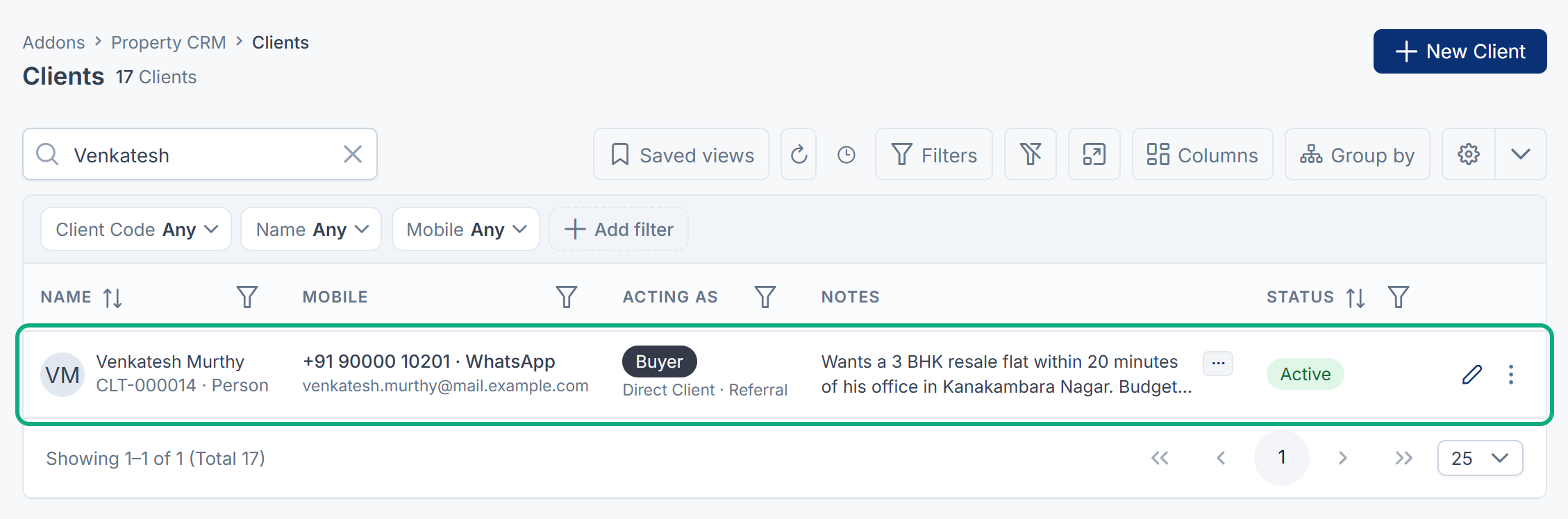
The client gets a client number, such as CLT-000042, and opens in the Clients list.
If the mobile number already belongs to someone in your Laramin's directory, Laramin doesn't create a second record:
| Laramin says | What it means |
|---|---|
| This person was already in the directory, and is now a client of yours. | They were known elsewhere in Laramin, and are now also a client of this business. |
| They were already a client — their existing record and number are unchanged. | They were already your client. Nothing new was created. |
Clients are never deleted from Property CRM. When a relationship ends, edit the client and set Status to Ended. The client keeps their number, and properties, requirements and inquiries still show their name.
Next, record what they're selling or looking for: Add a property or Record a client requirement.
Links in this article
Printed from help.bsscn.com. The online article may have changed since.