Create a new module shell
Start a new add-on from the Scaffolder: preview the empty module (its manifest, providers, routes, permissions seeder and menu file), create it, and turn it on.
- Applies to
- Stub Generator 1.0 and later
- Who can do this
- Developer
- Permission
feature.stubgen. scaffolder. generate - Where
- Scaffolder (Platform Administration)
On this page
A module shell is an empty add-on with everything a Laramin module needs to load, and no screens yet. The Scaffolder builds it with the same generator as Core's php artisan laramin:make- command. You then add screens to it in Resource mode.
Danger: Create module writes a new folder into the code of the Laramin you're signed in to, on its server. Use it only on a development copy that's under version control, never on your live Laramin.
Before you start
- You need Use Scaffolder (
feature.) to preview, and Generate Scaffold (stubgen. scaffolder.view feature.) to create.stubgen. scaffolder. generate - The web server must be able to write to the
Modules/folder. - Running the next steps needs command-line access to the server.
Steps
-
In the Platform Administration sidebar, select Scaffolder.
-
Switch the mode to New module.
-
Under New module shell, enter the Module name, such as
Inventory. Use letters and digits only, starting with a letter. The name is turned into StudlyCase, soinventorybecomesInventory. -
Optional: enter an Abbreviation, in lowercase letters and digits, such as
inv. It's used in permission keys (feature.inv.…) and as the table prefix. Leave it empty to use the first three letters of the name. -
Select Preview and check the files.
-
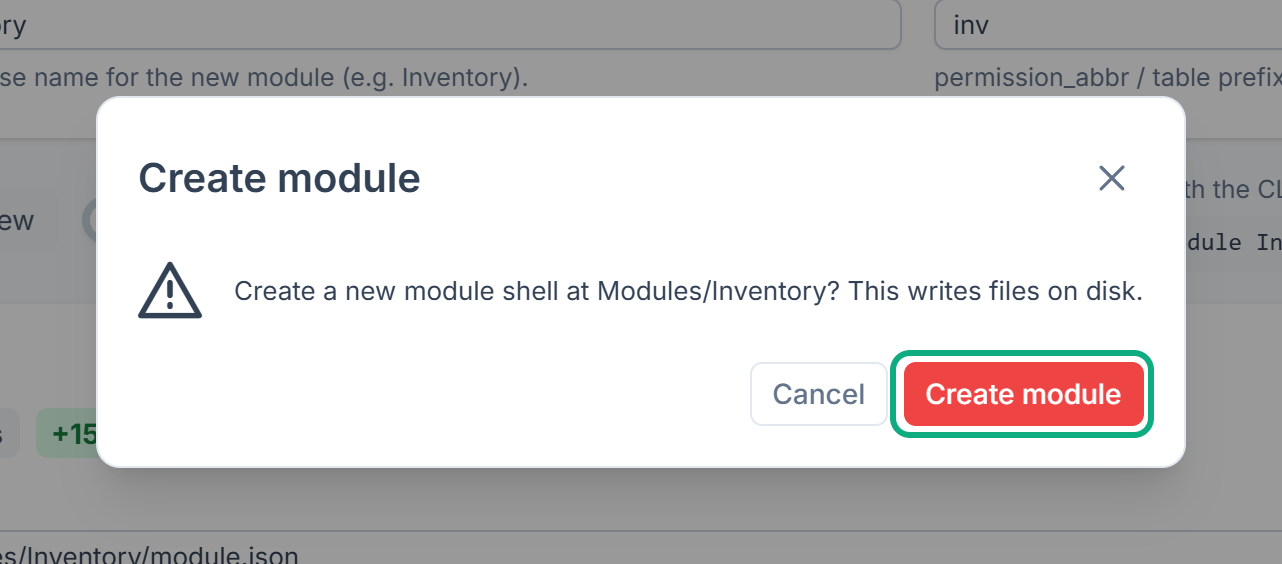
Select Create module.
-
In Create module, select Create module again.
The Result card shows Files generated successfully. and lists the files written.
If the module already exists, you see "Module [Inventory] already exists." To replace its shell files, turn on Overwrite existing files and try again. Files you've added since aren't touched, but overwritten shell files lose your changes. To add a screen to an existing module, switch to Resource mode instead.
What happens next
Careful: In Stub Generator 1.1.0, these steps don't turn the shell on yet. The shell doesn't appear in Addons, and php artisan module:enable stops with Module [Inventory] does not exist! See The Scaffolder shows warnings, or what it made doesn't appear.
The Result card lists these Next steps, to run on the server in your Laramin's folder:
composer dump-autoloadphp artisan module:enable Inventory, with your module's name.php artisan permission:sync --module=Inventory --forcephp artisan optimize:clear
Then switch to Resource mode and generate the module's first screen. See Generate a resource with the Scaffolder.
Tip: The line under the buttons shows the matching command, such as php artisan laramin:make-, if you'd rather create the module from the command line.
Thanks. That helps us decide what to write next.
Thanks for telling us what was missing.
You already answered for this article today. Thanks.
We got a lot of answers from your network just now. Try again in a few minutes.
We couldn't send that. Check your connection and try again.
Links in this article
Printed from help.bsscn.com. The online article may have changed since.