A test can't be taken or has no questions
A learner can't start a test or sees an empty My Tests, a mock test took no questions or lost the ones you added, or a result won't open. Find the cause and what you can do.
- Applies to
- Question Bank 3.5 and later
- Who can do this
- Administrator, Team member, Learner
- Where
- Question Bank › Mock Tests
On this page
Symptom
One of these:
- A learner can't find a way to start, resume or retake a test.
- My Tests or a result page shows nothing but its title and the learner's name.
- A mock test shows
0 Questionson Question Bank › Mock Tests. - Questions you added to a test have disappeared from it.
- My Tests or a result page says it can't be found.
No way to start a test, or My Tests is empty
In Question Bank 3.5.2 this is expected. The test player was removed in Question Bank 3.4.0 and hasn't been replaced, so nothing offers Start test, Resume or Retake, and no new attempts are recorded. My Tests and result pages also open empty in this version, with only the page title and the learner's name, so learners can't see their tests or earlier results there either.
There's nothing to change in your settings. Instead:
- To run a test, print it with Print on its row and run it on paper, with an OMR answer sheet.
- To tell learners how they did in earlier attempts, open them on Question Bank › Test Submissions. See Review test submissions and analytics.
A mock test took no questions
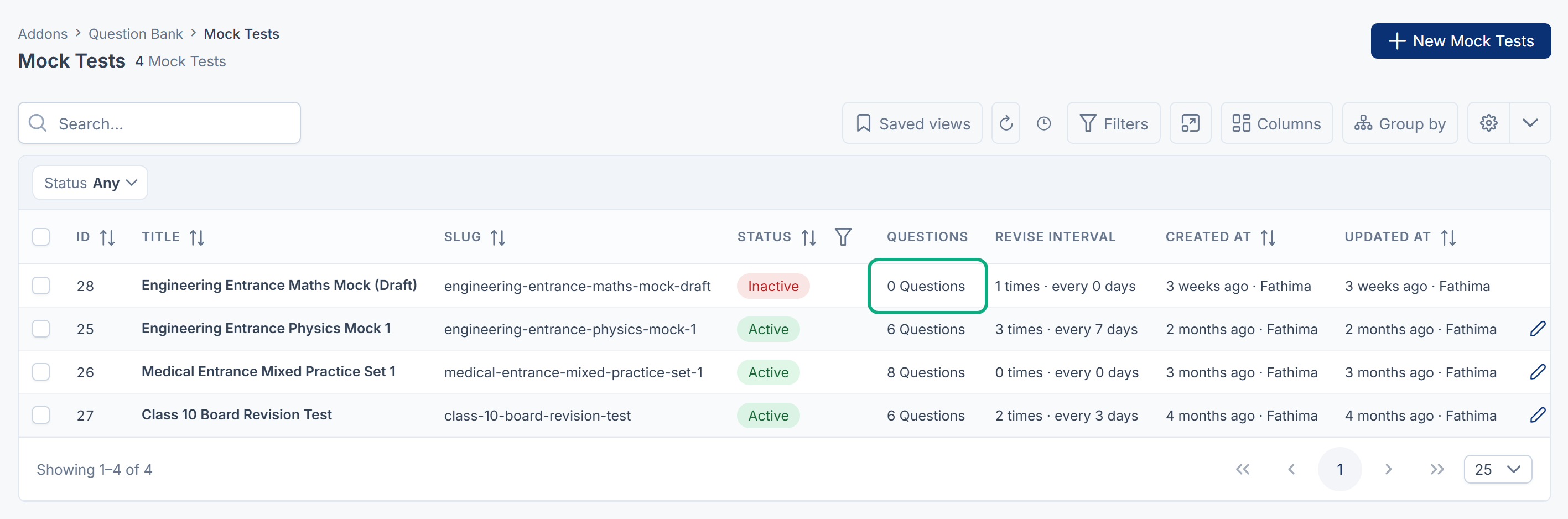
Check these, in order:
- No. of Questions is empty or 0. That takes no questions. Edit the test, enter a number on the Questions tab, or
-1for every matching question, and save. - No questions match the rules. Only Active questions count. Check that questions exist for the chosen Exams, Questions (types), Category and Math Filter: filter the Questions list the same way.
- The questions were added after the test was saved. Rules are applied when you save. Save the test again to pick up new questions.

Questions you added have disappeared
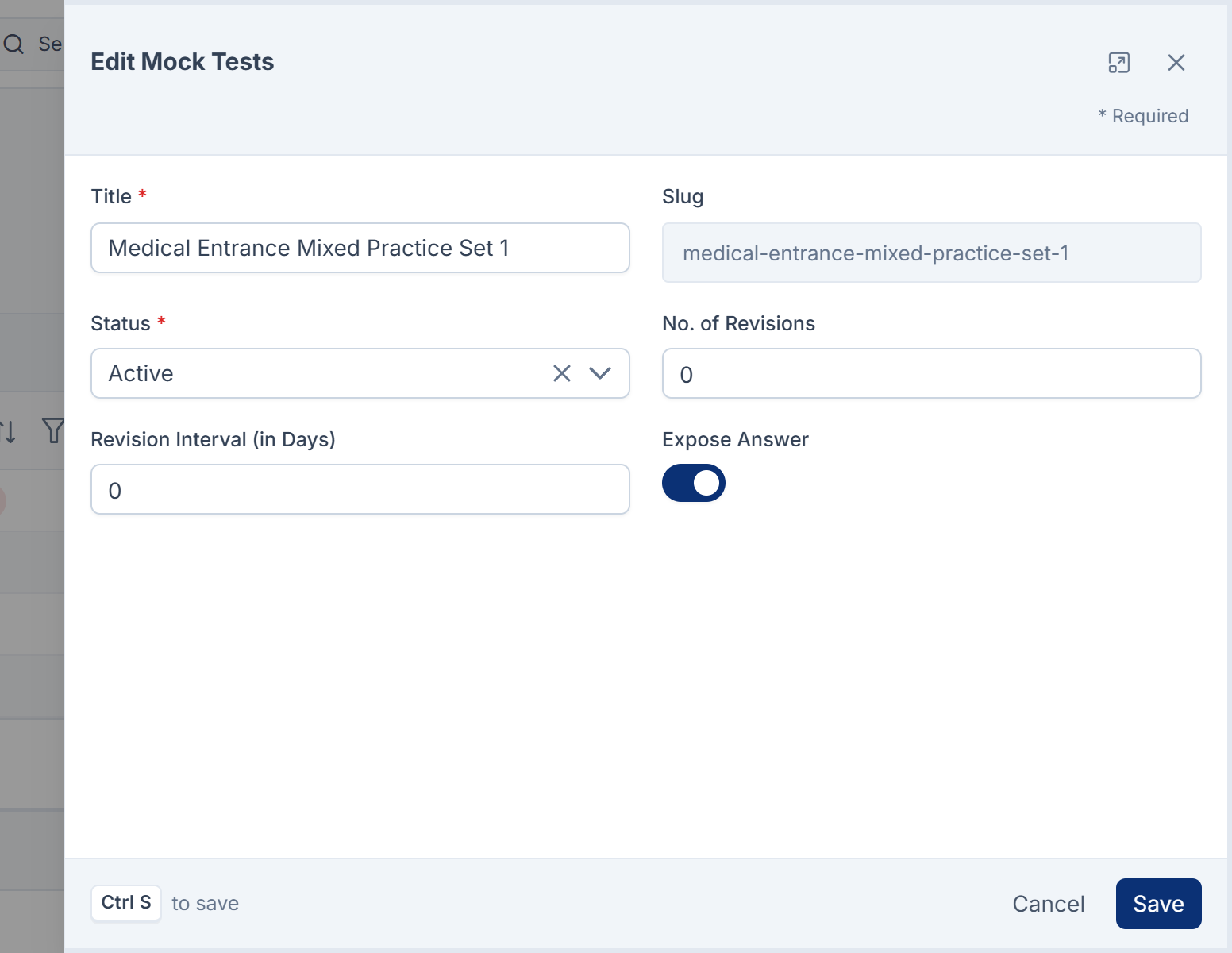
If a test was built from rules, every save runs its rules again and replaces its questions, including ones added with Add to test on the Questions list. Even a rename does this. It stops once someone has sat the test. To keep a hand-picked set, create the test with Add to test, choosing Create a new mock test from the selection: its questions are never replaced by rules. See Create a mock test.
You can't add questions to a test, or change its questions
Once anyone has sat a test, its questions are frozen: the Questions tab disappears, and the test isn't offered in Add to test. Create a new test instead.
My Tests or a result can't be found
- A result opens only for the learner who made the attempt. Anyone else, staff included, gets a "not found" page: staff use Question Bank › Test Submissions instead. A result also can't be found once its attempt has been deleted.
- My Tests itself: if every learner gets a "not found" page, the learner pages may be turned off on your server. Your platform owner can check the
UI_VUE_PORTALsetting in the environment file. It's on unless set tofalse.
Still not working?
Learners: ask whoever runs your tests. Staff: raise a ticket from Support Center in your Laramin app. Include this page's link, the test's title, and what the learner sees.
Thanks. That helps us decide what to write next.
Thanks for telling us what was missing.
You already answered for this article today. Thanks.
We got a lot of answers from your network just now. Try again in a few minutes.
We couldn't send that. Check your connection and try again.
Links in this article
Printed from help.bsscn.com. The online article may have changed since.