Headless CMS settings
Every global setting on the Delivery, Editing, Limits and Languages tabs, which ones a content space can override, what's fixed by design, and the permissions and roles.
- Applies to
- Headless CMS 1.0 and later
- Who can do this
- Administrator
- Where
- Headless CMS › Settings
On this page
Headless CMS › Settings opens the Headless CMS panel in the Settings hub. These are the defaults for every content space. To see them you need feature., and to change them feature.. See How the settings hub works.
- Settings marked Per space can be overridden on a space's Settings tab. The panel shows how many spaces override each one, and the Overridden in spaces table lists them.
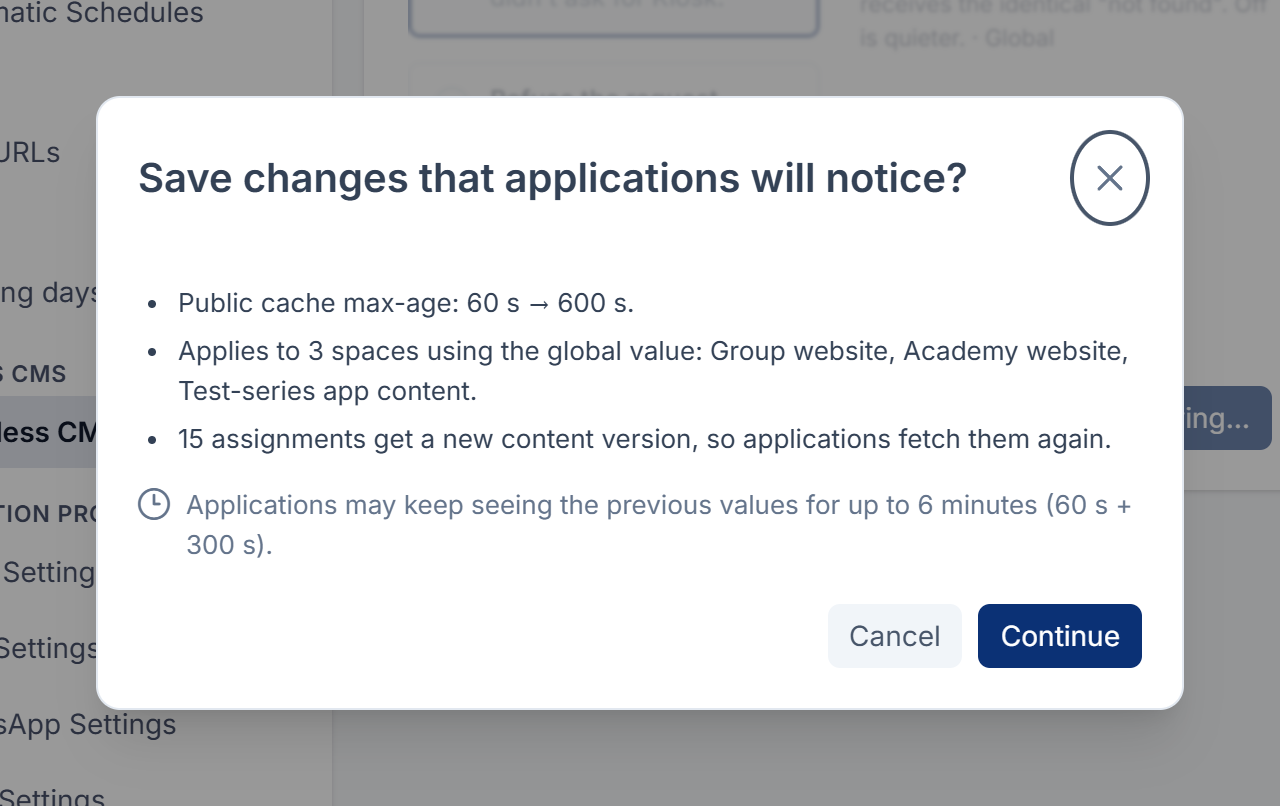
- A save that changes what applications receive asks first: Save changes that applications will notice? It lists the spaces that use the global value and says how long readers may see the previous answer.
- Reset to previous puts back the values from before the last save, until the next save.
- Every number has a fixed ceiling that no setting can raise.
Delivery
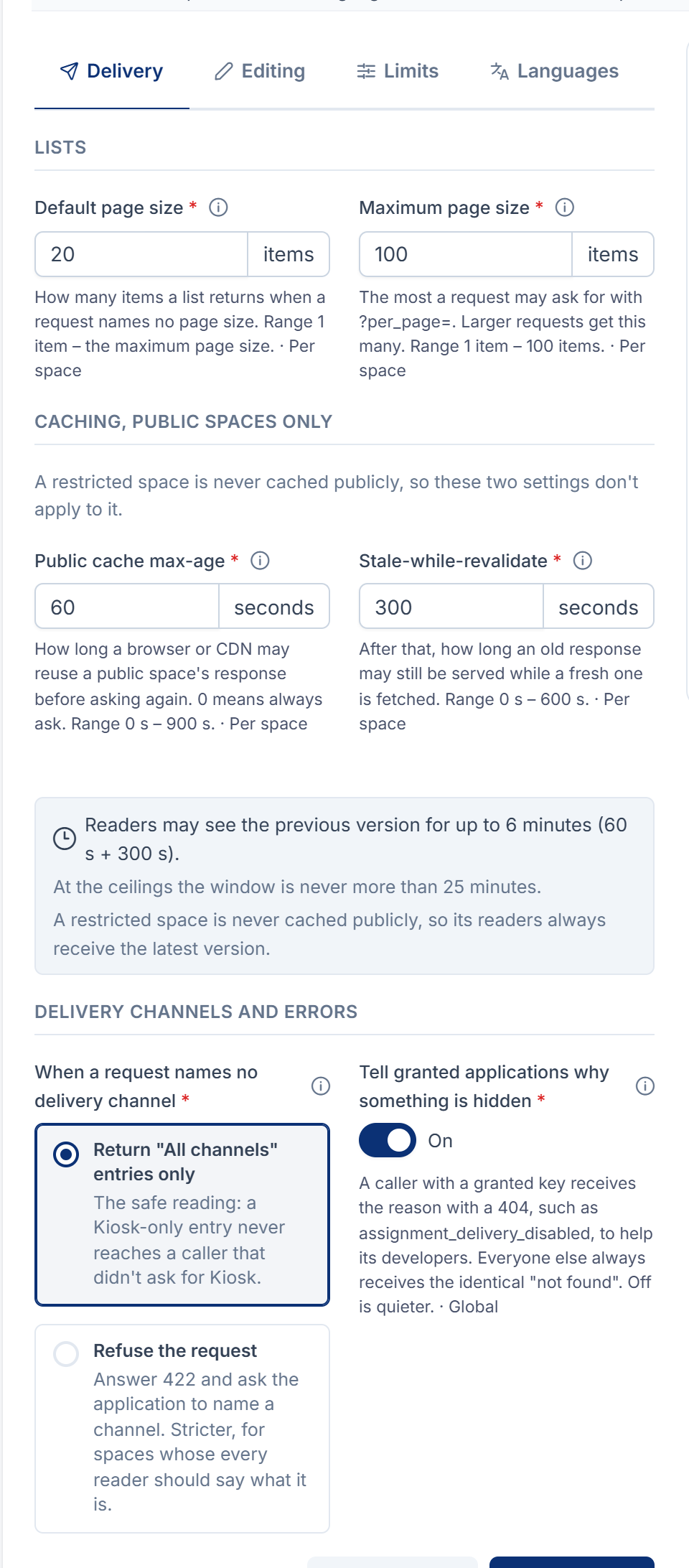
| Setting | What it does | Default | Range | Per space |
|---|---|---|---|---|
| Default page size | How many items a list returns when a request names no page size. | 20 items | 1 to the maximum page size | Yes |
| Maximum page size | The most a request may ask for with ?per_page=. | 100 items | 1 to 100 | Yes |
| Public cache max-age | How long a browser or CDN may reuse a Public space's response before asking again. 0 means always ask. | 60 s | 0 to 900 s | Yes, as Cache time |
| Stale-while-revalidate | After that, how long an old response may still be served while a fresh one is fetched. | 300 s | 0 to 600 s | Yes, as Serve while refreshing |
| When a request names no delivery channel | Return "All channels" entries only, or Refuse the request with a 422 that asks the application to name a channel. An application's default channel from API access applies first. | All channels only | Yes, as Requests that name no channel | |
| Tell granted applications why something is hidden | A caller with a granted key gets the reason with a 404, such as assignment_, to help its developers. Everyone else always gets the identical "not found". | On | No |
With the defaults, readers of a Public space may see the previous version of an answer for up to 6 minutes after a change (60 s + 300 s). Restricted spaces are never cached publicly, so these two settings don't apply to them.
Maximum page size says larger requests get this many, but in Headless CMS 1.0.0 a request with a larger ?per_page= is refused with 422, This query is not supported. Have your developers ask for this many at most.
Editing
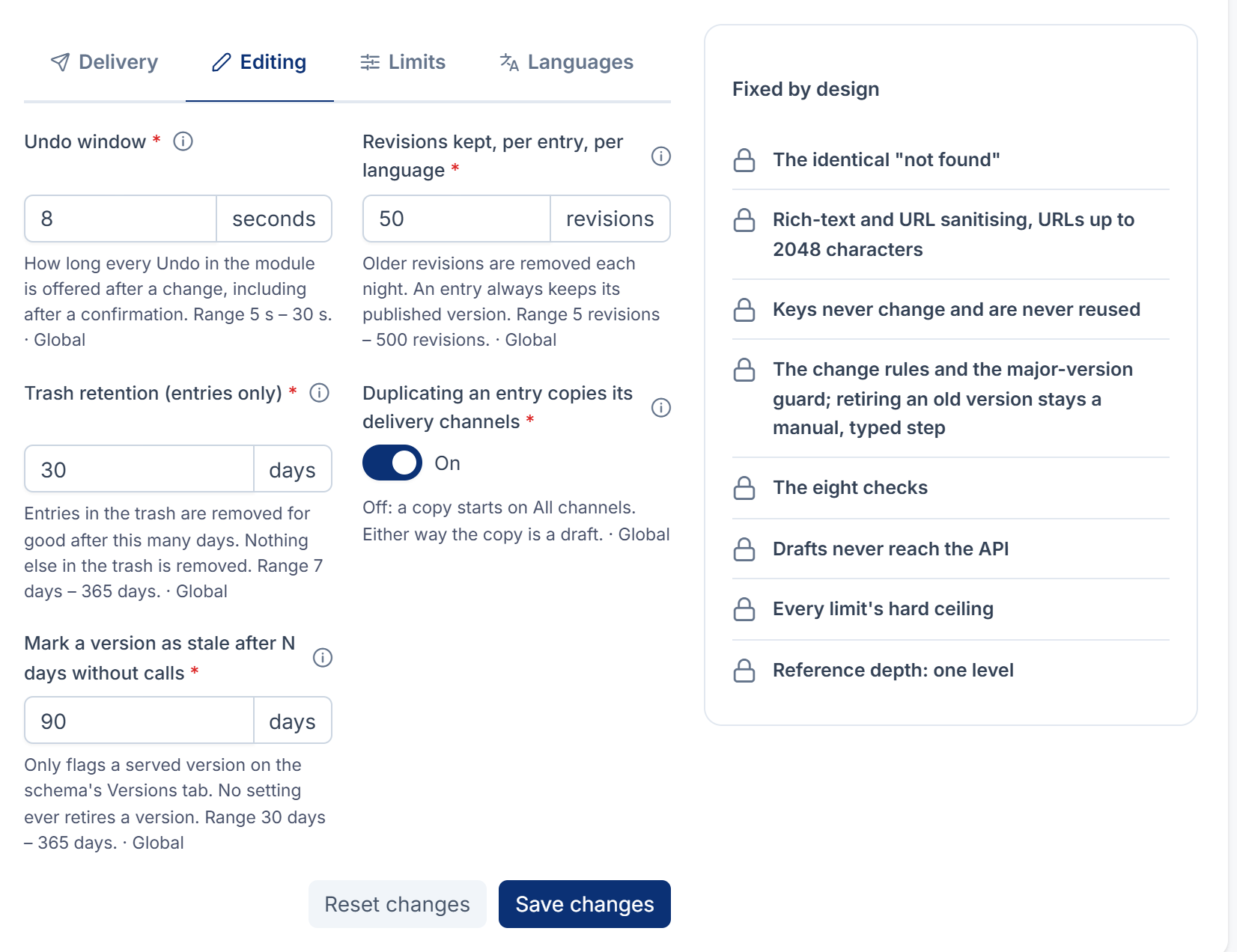
| Setting | What it does | Default | Range |
|---|---|---|---|
| Undo window | How long every Undo in the module is offered after a change. | 8 s | 5 to 30 s |
| Revisions kept, per entry, per language | Older revisions are removed each night. An entry always keeps its published version. | 50 | 5 to 500 |
| Trash retention (entries only) | Entries in the trash are removed for good after this many days. Nothing else in the trash is removed. | 30 days | 7 to 365 days |
| Duplicating an entry copies its delivery channels | Off: a copy starts on all channels. Either way the copy is a draft. | On | |
| Mark a version as stale after N days without calls | Only flags a served version on the schema's Versions tab. No setting ever retires a version. | 90 days | 30 to 365 days |
Lowering Revisions kept asks first and says how many older revisions are removed that night. Raising it later doesn't bring them back.
Limits
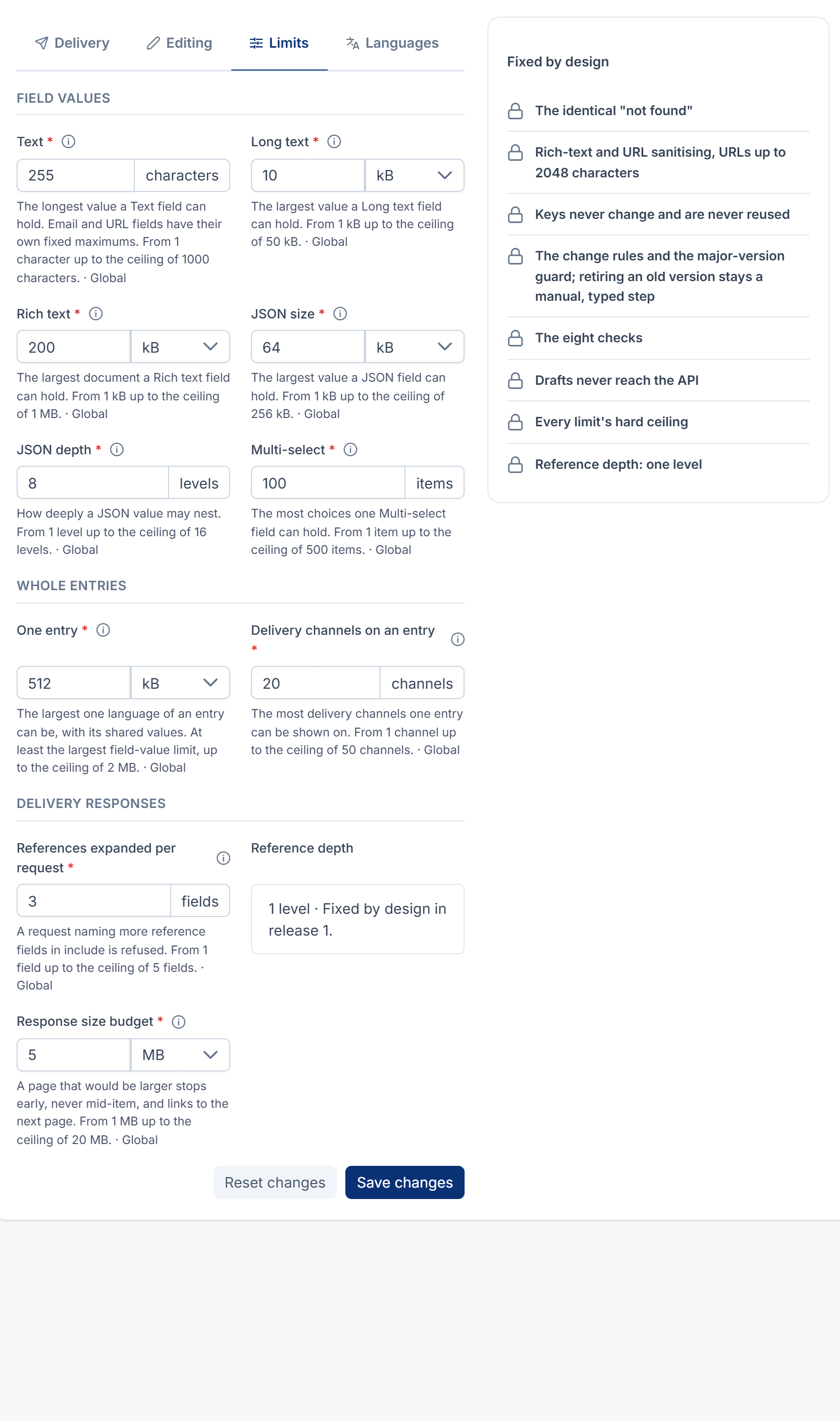
| Setting | What it does | Default | Ceiling |
|---|---|---|---|
| Text | The longest value a Text field can hold. Email and URL fields have their own fixed maximums. | 255 characters | 1,000 |
| Long text | The largest value a Textarea field can hold. | 10 kB | 50 kB |
| Rich text | The largest document a Rich text field can hold. | 200 kB | 1,024 kB |
| JSON size | The largest value a JSON field can hold. | 64 kB | 256 kB |
| JSON depth | How deeply a JSON value may nest. | 8 levels | 16 |
| Multi-select | The most choices one Multi-select field can hold. | 100 items | 500 |
| One entry | The largest one language of an entry can be, with its shared values. | 512 kB | 2,048 kB |
| Delivery channels on an entry | The most channels one entry can be shown on. | 20 | 50 |
| References expanded per request | A request naming more reference fields in include is refused. | 3 | 5 |
| Response size budget | A page that would be larger stops early, never mid-item, and links to the next page. | 5 MB | 1 to 20 MB |
A field can set a lower limit of its own in its Validation settings. Reference depth is fixed at one level.
Lowering a limit below values already stored asks first and names the entries over it. That content stays delivered as it is. An untouched value still saves, but an editor who changes such a value must shorten it, and Publish refuses until they do. With many entries, the count runs in the background; save again once it has finished.
Languages
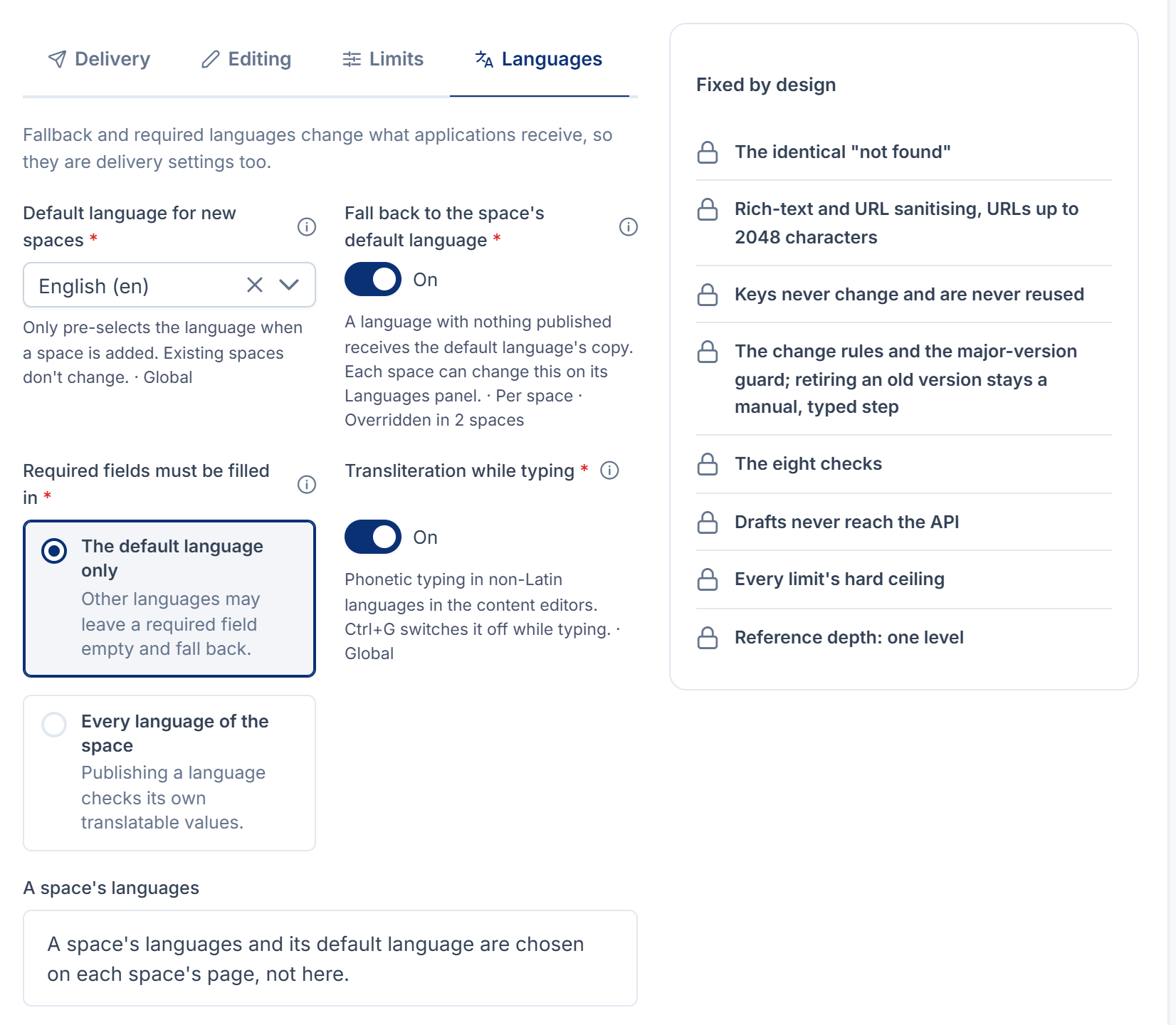
| Setting | What it does | Default | Per space |
|---|---|---|---|
| Default language for new spaces | Only preselects the language when a space is added. Existing spaces don't change. | en | No |
| Fall back to the space's default language | A language with nothing published receives the default language's copy. | On | Yes, on the space's Languages panel |
| Required fields must be filled in | The default language only: other languages may leave a required field empty and fall back. Every language of the space: publishing a language checks its own values. Shared values are always checked. | The default language only | Yes |
| Transliteration while typing | Phonetic typing in non-Latin languages in the content editors. Ctrl+G switches it off while typing. | On | No |
A space's languages and default language are chosen on each space's page, not here.
Fixed by design
These aren't settings, and nothing changes them: the identical "not found" for anything hidden or missing; rich-text and URL cleaning, with URLs up to 2,048 characters; keys never change once fixed and are never reused; the change rules and the version guard, with retiring a version always a manual, typed step; the eight delivery checks; drafts never reaching the API; every limit's ceiling; and a reference depth of one level.
Permissions
All keys start with feature.hcms.. Give them with a role. See Give someone a role.
| Resource | Actions | Allows |
|---|---|---|
space | list, view, create, edit, delete, restore, remove | Content spaces: seeing, adding, changing, trashing, restoring and removing spaces for good. |
schema | The same seven, plus export, import, retire_version, emergency_stop | Content schemas and their fields, exporting and importing definitions, retiring a version, and stopping a field at once. |
assignment | list, create, edit, delete, restore, remove | Assignments: assigning, turning delivery on or off, removing, restoring and removing for good. |
entry | list, view, create, edit, delete, restore, remove, publish, unpublish, preview | Content: writing, trashing, restoring and removing entries for good, publishing, unpublishing, reordering (needs publish), and previewing drafts. |
entry (own) | edit_own, delete_own, restore_own, publish_own, unpublish_own | The same, for entries the person created. |
channel | list, view, create, edit, delete, restore, remove | Channels. |
access | list, view, create, edit, delete, restore, remove | API access: grants, default channels and version pins. view is also needed to read as an application in the API explorer. |
api_explorer | view | API explorer. It also needs space.view. |
settings | view, edit | This panel. |
schema. and schema. are never part of Core's curated Administrator role, and neither is any remove action. Installing the Headless CMS on an existing Laramin gives the Administrator role none of these permissions; give them in the role editor.
Roles
| Role | Key | Holds |
|---|---|---|
| CMS Administrator | hcms. | Every Headless CMS permission. |
| Content Editor | hcms. | space and schema list and view; entry list, view, create, edit, delete, restore and preview; api_. Never publishes. |
| Content Publisher | hcms. | The Content Editor's permissions, plus entry.publish and entry.unpublish. |
The roles are given to nobody when the add-on is installed. An upgrade adds new permissions to them and never removes any you changed, and a role you deleted isn't created again. To uninstall the add-on while people hold these roles, choose Remove the roles too.
Thanks. That helps us decide what to write next.
Thanks for telling us what was missing.
You already answered for this article today. Thanks.
We got a lot of answers from your network just now. Try again in a few minutes.
We couldn't send that. Check your connection and try again.
Links in this article
Printed from help.bsscn.com. The online article may have changed since.